
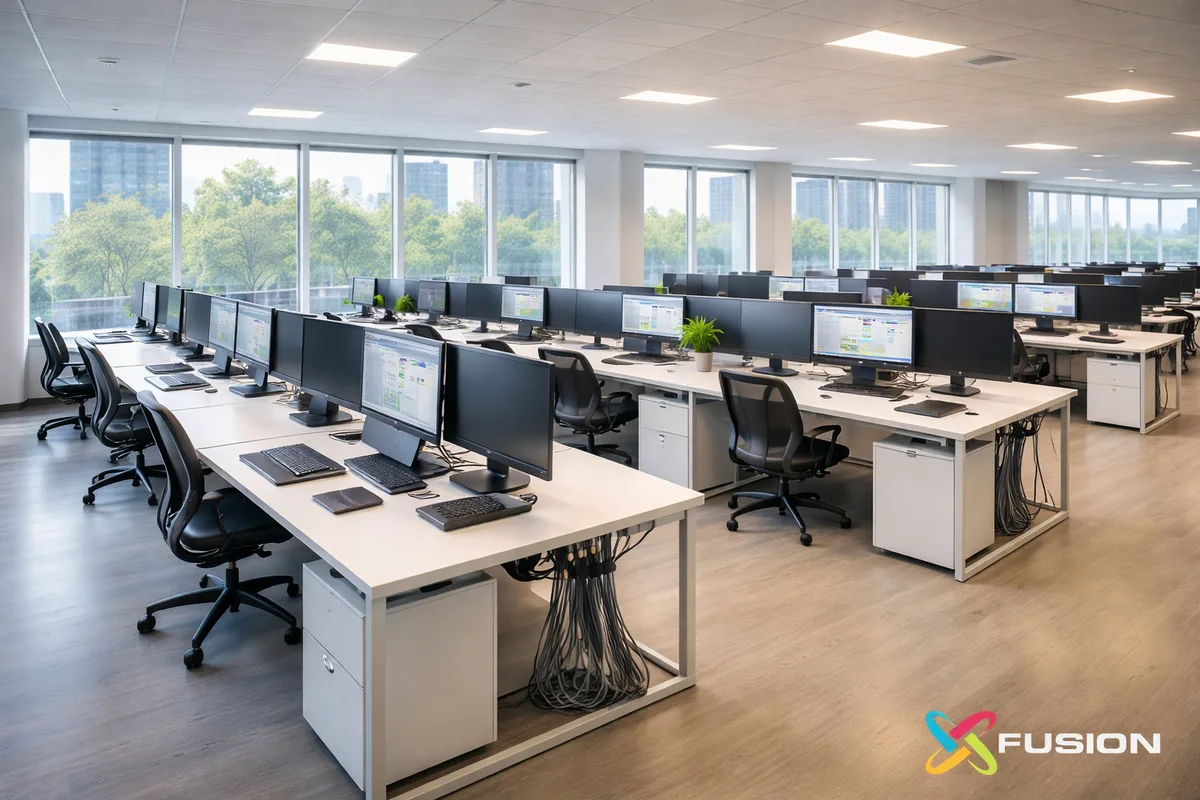
This case study is based on a real Fusion Computing engagement. Client details have been anonymized, and certain technical details have been generalized for privacy.
Scaling IT from 35 to 205 users requires infrastructure that grows without breaking – standardized device provisioning, scalable cloud architecture, security controls that work at both sizes, and an MSP that’s managed similar growth trajectories. According to Fusion Computing’s project records, this migration was completed with zero unplanned downtime over a 4-month phased deployment.
KEY TAKEAWAYS
- A Toronto design studio grew from 35 to 205 users in under four years without IT becoming a recurring delivery bottleneck.
- Fusion rebuilt the environment from the ground up, including networking, servers, security controls, workstations, racks, and internet connectivity.
- Instead of replacing the internal IT lead, Fusion supported them through a co-managed IT model with a clear division of responsibilities.
- The engagement has continued for more than five years because the operating model still works: one internal IT lead close to the business, backed by deeper infrastructure, security, and after-hours support.
What was the studio facing at 35 users?
At roughly 35 users, leadership could already see the problem coming. Signed work, rising delivery pressure, larger teams, larger files, tighter deadlines, and an IT environment that had no margin for that kind of growth.
Fusion Computing has supported Canadian businesses since 2012, delivering managed IT and cybersecurity services with a 93% first-contact resolution rate. The company’s CISSP-certified security leadership and CIS Controls v8.1 alignment serve organizations with 10 to 150 employees across Toronto, Hamilton, and Vancouver.
The studio did have internal IT. That wasn’t the issue. The issue was capacity. One capable person was handling support, provisioning, vendor coordination, troubleshooting, and day-to-day infrastructure decisions. That can work for a while. It doesn’t work when the company’s scaling hard and every technology delay starts hitting billable work.
That’s the kind of gap co-managed IT is built for. Fusion was brought in after a series of incidents caused downtime the studio didn’t have the capacity to remediate cleanly. Not single catastrophic failures. Recurring issues that erode confidence: systems going down during production hours, a backup that hadn’t been verified recently, a network slowdown with no time to root-cause. Each incident was manageable. The pattern wasn’t.
This wasn’t a light Microsoft 365 environment where most employees worked in email, Teams, and a browser. The studio handled large project files, high-performance workstations, fixed client deadlines, and evening or weekend production pushes. When systems slowed down, the impact was immediate and visible.
Monitoring was limited. Patching wasn’t disciplined enough for a growing business. Backups existed, but confidence in recoverability wasn’t where it needed to be. The network had been built for the current team, not the future one.
Most importantly, the CEO understood this before it became a full-blown crisis. Contracts were already signed. Hiring was coming. The real question wasn’t whether the studio would grow. It was whether the infrastructure would grow with it.
What did Fusion build?
Fusion didn’t come in to make small adjustments to an already mature stack. The studio needed a ground-up buildout covering network, servers, workstations, security, and physical infrastructure.
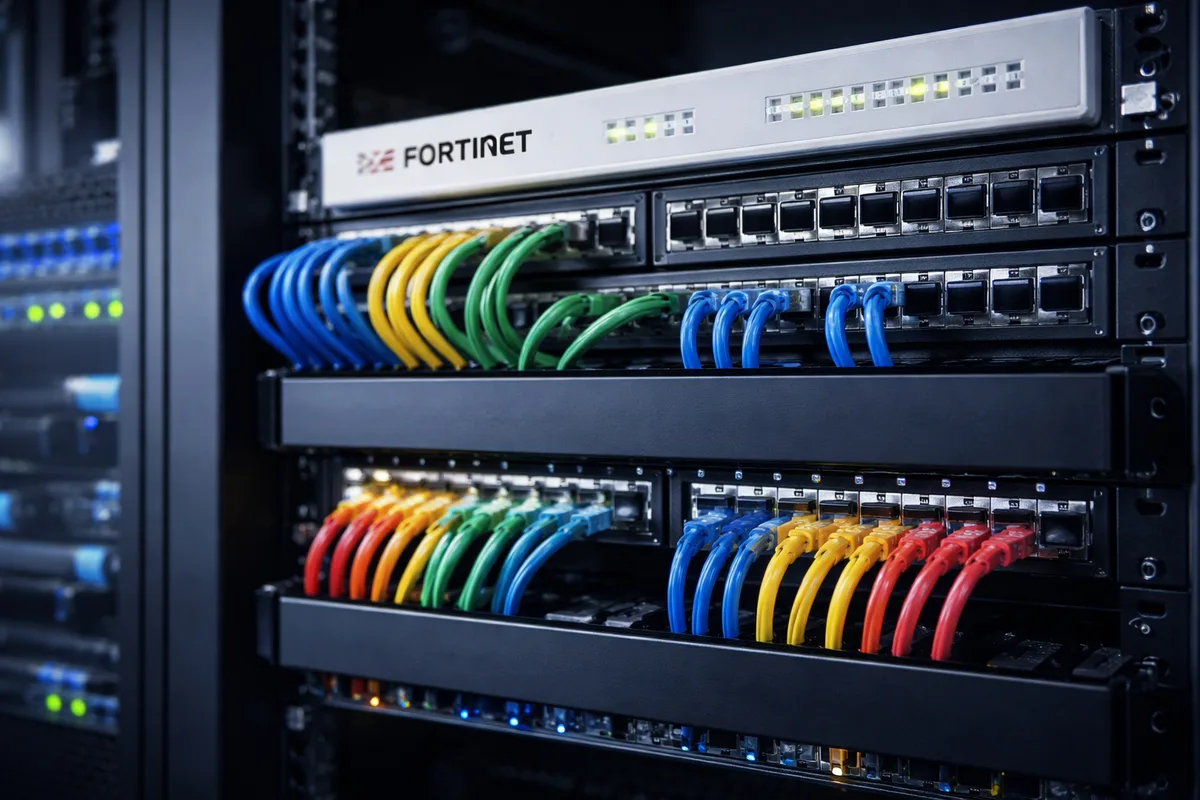
Network infrastructure
The network was redesigned to support a production-heavy creative environment. That included new switching, Fortinet firewalls, structured cabling, and internet connectivity sized for the studio’s real workload.
In a design studio, file movement isn’t occasional. It’s constant. Large project files moving between workstations and servers can saturate a weak network fast. A setup that feels acceptable in a low-demand office becomes a productivity drain in a studio environment.
Server and platform architecture
Fusion initially deployed on-premises server infrastructure sized for the studio’s file storage, collaboration, and backup requirements. As the environment matured, the architecture evolved into a hybrid model with Azure.
Performance-sensitive workloads stayed local where the studio needed speed and responsiveness. Backup, disaster recovery, and selected services moved to Azure for resilience and scalability. The result wasn’t “cloud for the sake of cloud.” It was a practical architecture built around how the studio actually worked.
Standardized workstations
These weren’t commodity office machines. Designers needed systems with the GPU, RAM, and storage performance to do their jobs without friction.
Fusion standardized workstation builds so new hires could be deployed quickly and consistently. That reduced provisioning chaos, made support easier, and eliminated the slowdown that comes from every workstation becoming its own one-off build.
Security and recovery controls
Security was built into the operating model early instead of treated as a future phase. That included endpoint protection, access controls, backup oversight, and recovery discipline.
Leadership cared about confidentiality, data handling, and being able to answer due-diligence questions from clients without guessing. The environment was designed around those expectations from day one. That became more important, not less, as the company grew and took on larger projects with stricter requirements.
Physical infrastructure and relocation
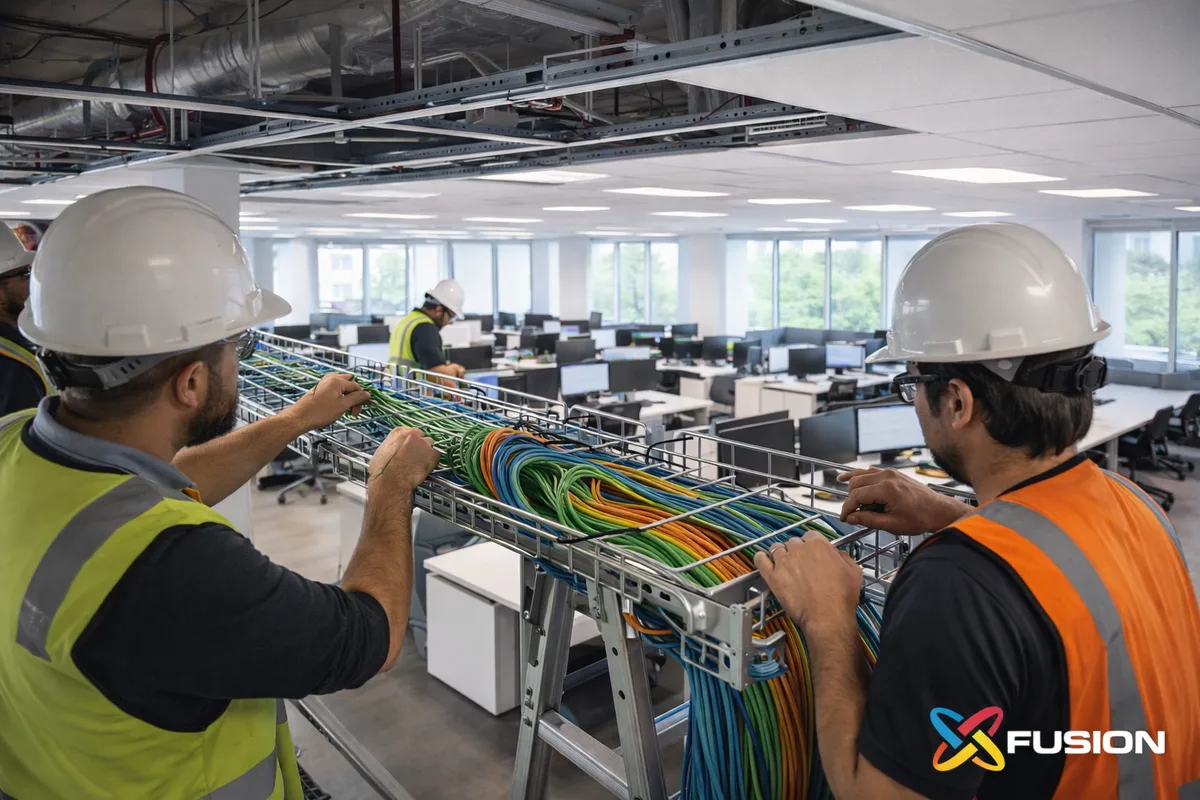
During the engagement, the studio moved into a larger office. Fusion handled the IT side of that move: network layout, physical infrastructure planning, rack design, and cutover execution.
Office moves are where weak IT planning gets exposed. A growing company can survive a lot of things. It doesn’t easily forgive a poorly executed relocation that disrupts production.
How did the co-managed model work?
Fusion didn’t replace the studio’s internal IT lead. That would’ve been the wrong move. The internal person knew the team, knew the workflows, and was the face of IT inside the business. Replacing that proximity with a fully external model would’ve created a different kind of gap.
Instead, Fusion built a co-managed structure with a clean division of responsibilities.
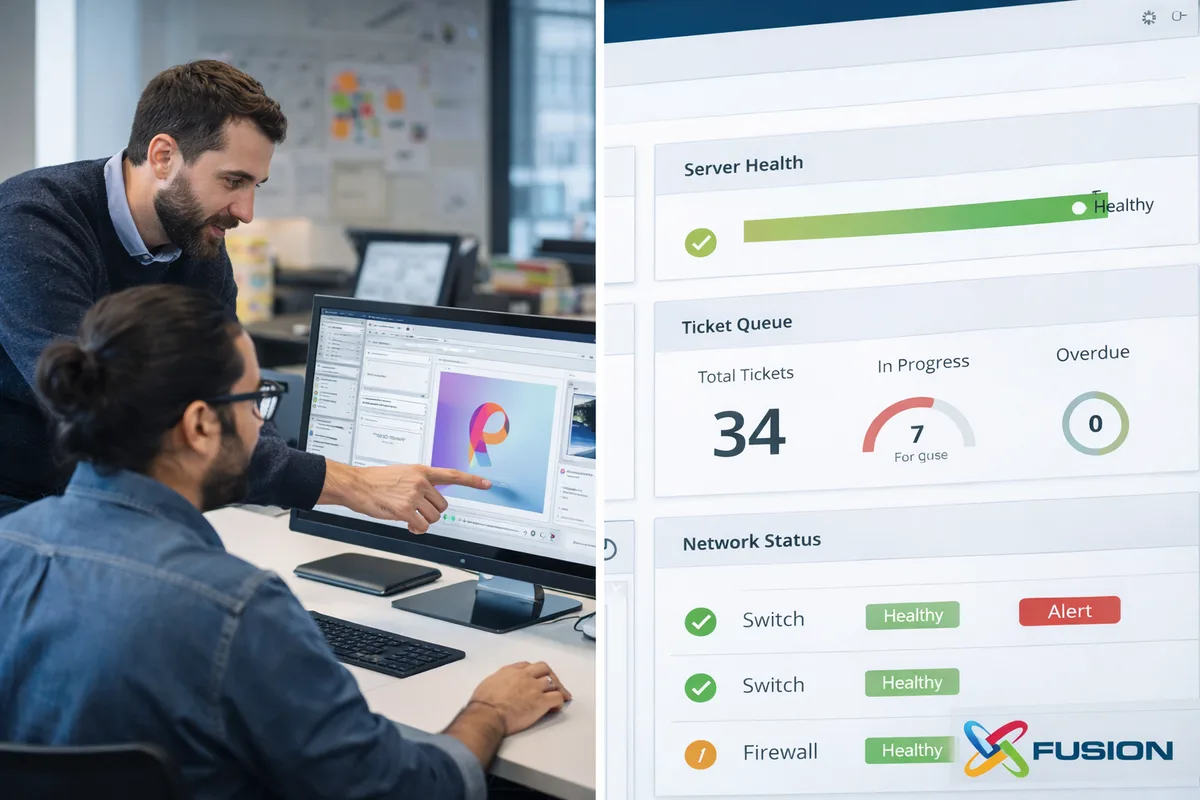
The internal IT lead stayed close to users and handled L1 support onsite. That included frontline troubleshooting, workstation readiness, hands-on local issues, and the practical context that only someone inside the business really has.
Fusion owned everything else: monitoring, patching, security operations, escalation support, vendor coordination, backup oversight, infrastructure lifecycle planning, and strategic guidance.
That split did two important things.
First, it reduced single-person dependency. The studio no longer had one person acting as the only meaningful control point for critical systems.
Second, it made the internal IT lead more effective. Instead of drowning in backlog and routine operational drag, they could focus on the business-facing work that actually benefited from being in-house.
Fusion also trained the internal person to Fusion’s operational standards. How to document properly, how to handle tickets with consistency, how to follow patching schedules, and how to escalate the right issues at the right time. The goal wasn’t dependency. The goal was a capable internal person backed by a team with deeper infrastructure and security expertise.
This arrangement has now been in place for more than five years. That longevity is the proof. Plenty of IT models look good during the first 90 days. Very few remain effective after years of growth, hardware refresh cycles, vendor changes, and shifting business demands. This one did.
Why was this environment harder than a typical office?
A lot of IT content talks as if every 50-person or 100-person business has roughly the same infrastructure needs. That’s wrong. This studio was harder to support for several specific reasons.
Large files were normal
Design files, renders, presentations, and archived project assets moved all day. That changes everything about network design, storage decisions, workstation standards, and tolerance for performance drift.
The hardware profile was different
This wasn’t a fleet of light office laptops. The workstation standard had to reflect the actual software and production requirements of the team. Managing lifecycle, refresh cycles, and driver updates for high-spec machines is a different discipline than managing commodity hardware.
Deadlines were fixed
When client work is deadline-driven, downtime isn’t just an internal annoyance. It can affect delivery, confidence, and client relationships. That changes the standard for responsiveness, recovery planning, and after-hours support.
After-hours work was real
Evening and weekend production pushes were part of the operating rhythm. IT couldn’t effectively stop at 5 PM. A co-managed model with monitoring and after-hours depth made more sense than expecting one internal person to carry that burden indefinitely.
This is exactly why some businesses outgrow the “one smart IT person plus good intentions” model. It’s not a talent problem. It’s a coverage and operating-model problem.
Results
The studio scaled from 35 to 205 users in under four years without IT becoming a recurring constraint on growth.
But the more useful results are operational.
The infrastructure was rebuilt before hiring velocity forced emergency decisions. The business never hit a point where leadership had to pause or re-architect under pressure because the environment had become too small or too fragile.
The office move was handled as a controlled IT project instead of a gamble. The new space was built for the studio’s future state, not just its current seat count.
The internal IT lead became more effective because they weren’t carrying the entire environment alone. That improved resilience for the business and created better continuity for staff.
The environment matured from functional but reactive into a structured co-managed IT operating model with clearer standards around support, infrastructure, security, and recovery.
Most importantly, the engagement didn’t end once the heavy lifting was done. That’s usually where weak MSP relationships flatten out. In this case, the partnership continued because the model kept delivering value even after the initial buildout phase was over.
What should other growing businesses take from this?
1. Build ahead of growth
If you wait until infrastructure is visibly failing, you’re already late. The better move is to invest when leadership can still make deliberate decisions instead of emergency ones.
2. Don’t confuse “we’ve IT” with “we’re covered”
A capable internal IT person is valuable. That doesn’t mean one person can sustainably own support, infrastructure, security, vendors, recovery, and strategic planning at the same time.
3. Co-managed only works when the split’s explicit
Good co-managed IT isn’t vague. Someone owns frontline support. Someone owns monitoring. Someone owns backups. Someone owns after-hours response. If that split’s fuzzy, the model fails.
4. Creative production environments need a different standard
A business moving large files on deadline with specialized hardware shouldn’t buy IT the same way a low-complexity office does. The infrastructure, support model, and performance expectations are different.
5. The right outcome isn’t dependence
A good MSP shouldn’t make the internal IT person less valuable. It should make them more effective. That’s what happened here.
Is co-managed IT only for larger businesses?
Would fully managed IT have made more sense here?
How long does a buildout like this usually take?
What should a business expect from a co-managed provider?
Related Services & Resources
Want Results Like These for Your Business?
Every engagement starts with understanding your environment. Book a 30-minute IT assessment.
Final takeaway
This case study isn’t really about growth from 35 to 205 users.
It’s about what happens when leadership makes the right infrastructure decision early enough that users barely notice the work at all.
That’s the real goal of good IT in a growing business. Not drama. Not heroics. Not constantly fixing the same issues faster.
Just an environment that keeps up.
Related resources
Is your current IT model ready for your next growth phase?
If your business has one internal IT person who’s carrying too much, a co-managed model can add operational depth, stronger security, and after-hours coverage without replacing what already works.
Book a 30-Minute IT Assessment
Contact Fusion directly
Fusion Computing serves Canadian businesses across:
Managed IT — Hamilton · Managed IT — Metro Vancouver · Managed IT – St. Catharines · Managed IT – Stouffville · Managed IT – Thornhill
Written by Mike Pearlstein, CISSP. Mike is CEO of Fusion Computing and has led the company’s managed IT and cybersecurity practice since 2012, serving Canadian businesses across Toronto, Hamilton, and Metro Vancouver.


